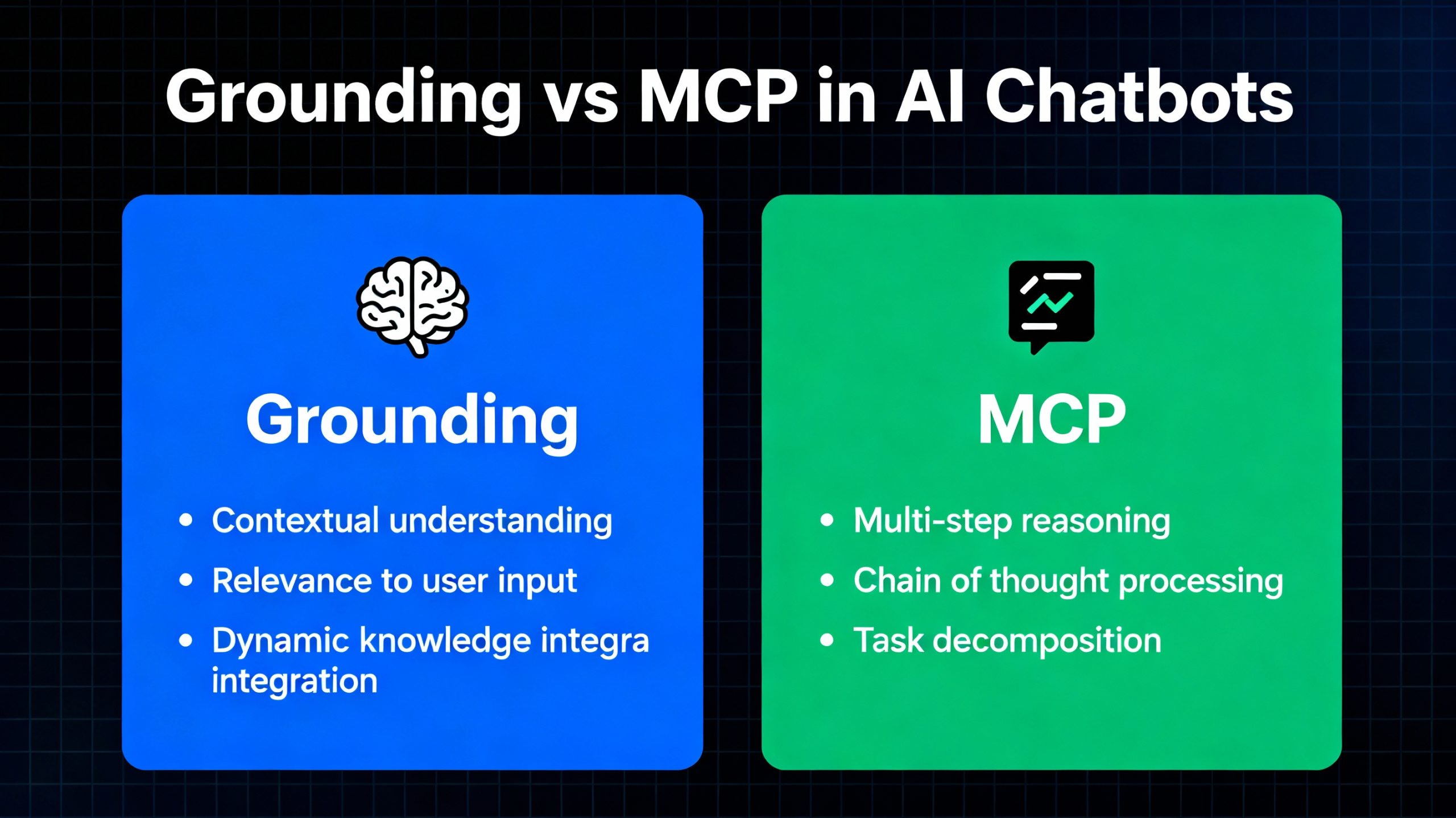
Short answer: Grounding and the Model Context Protocol (MCP) solve different problems and work best together. Grounding means anchoring an AI’s answers in real, verifiable information so it does not make things up. MCP is an open standard for connecting AI applications to external tools and data sources. MCP is one way to deliver the information that grounding depends on.
Table of Contents
If you are building an AI chatbot or agent, you will hear both terms constantly, and they are easy to confuse because both are about giving a model the right information. The difference is that one describes a goal and the other describes a connection method.
What Is Grounding in AI?
Grounding means tying a model’s output to real, trustworthy sources instead of letting it answer purely from what it absorbed during training. A grounded chatbot answers from your help articles, your product documentation, your ticket history or a live database, and can point to where the answer came from.
Grounding matters because language models generate fluent text whether or not they know the answer. Without grounding, a model may confidently produce outdated or invented information, often called hallucination. Grounding reduces that risk by giving the model verified material to work from.
Key features of grounding:
- Real-world relevance: answers come from actual documents, records or live data.
- Verifiability: responses can cite or link back to their source.
- Freshness: the answer reflects current information, not a training snapshot.
Example: a chatbot grounded in a support knowledge base pulls the latest password-reset steps from your help center instead of recalling a generic process.
What Is the Model Context Protocol (MCP)?
The Model Context Protocol is an open standard, introduced by Anthropic, that defines how AI applications connect to external tools and data sources. Instead of writing a custom integration for every combination of model and system, developers build an MCP server that exposes a system’s data and actions, and any MCP-compatible client (an AI app or agent) can use it.
Common descriptions compare it to a universal connector: one standard interface between AI applications and the tools, files, databases and services they need. An MCP server can expose:
- Resources: data the model can read, such as files, records or documents.
- Tools: actions the model can call, such as searching a CRM, creating a ticket or running a query.
- Prompts: reusable templates for common tasks.
Note what MCP is not: it is not a conversation-memory strategy, and it does not decide what information is correct. It is plumbing. For a deeper look at how MCP servers are used in agent systems, see our guide to MCP servers powering agentic AI at scale.
Grounding vs. MCP: Key Differences
| Grounding | Model Context Protocol (MCP) | |
|---|---|---|
| What it is | A goal or technique: base answers on real sources | A standard protocol for connecting AI apps to tools and data |
| Question it answers | “Is this answer based on something true?” | “How does the model reach this system?” |
| Solves | Hallucination and outdated answers | Custom, one-off integrations |
| Typical implementation | Retrieval (RAG), search, citations, database lookups | MCP servers and MCP-compatible clients |
| Can one exist without the other? | Yes, grounding works without MCP | Yes, MCP can be used for actions with no grounding role |
How Grounding and MCP Work Together
They are complementary, not competing. Grounding is what you want: answers based on real information. MCP is one way of getting that information to the model: the model calls an MCP tool, the server fetches live data from a system, and the model answers from what came back.
MCP also goes beyond grounding. The same connection that lets a model read a customer record can let it act, such as updating a ticket or scheduling an appointment. Reading is grounding; acting is what turns a chatbot into an agent. Our post on agentic AI vs. generative AI explains that shift in more detail.
Grounding, RAG and MCP: How They Relate
A third term usually enters the conversation: retrieval-augmented generation (RAG). The three sit at different levels:
| Term | Level | Role |
|---|---|---|
| Grounding | Goal | Keep answers anchored in real sources |
| RAG | Technique | Retrieve relevant documents, then generate an answer from them. A common way to achieve grounding |
| MCP | Connection standard | A standard way for the model to reach tools and data, including a retrieval system |
In practice you might have a RAG pipeline (the technique) exposed to your chatbot through an MCP server (the connection) so that answers are grounded (the goal).
Example: A Support Chatbot
A user asks: “How do I change my password?”
- Grounding: the chatbot retrieves the current password-reset article from your knowledge base and answers from it, rather than from memory.
- MCP: the retrieval happens through an MCP tool that queries the knowledge base, and the same connection can look up the user’s account type or open a reset request if permitted.
- Conversation context: separately, the chatbot keeps the earlier message that the user was having trouble logging in, so it can offer troubleshooting steps. That is session memory, a different mechanism from both grounding and MCP.
How to Implement Grounding
- Connect knowledge sources. Gather help articles, FAQs, product documentation and ticket history, or connect to helpdesk tools such as Zendesk or Freshdesk.
- Retrieve before you generate. Use retrieval-augmented generation: find the most relevant passages for each question, typically with a vector database such as Pinecone or Weaviate, and pass them to the model.
- Require sources. Instruct the model to answer only from retrieved material and to say so when it cannot find an answer.
- Add user-specific data. Pull relevant CRM or account details so answers apply to this user, subject to access controls.
- Evaluate. Test with real questions, including ones your documentation does not cover, and check that the chatbot declines rather than guesses.
How to Use MCP in Your Chatbot
- Decide what to expose. Choose the systems and actions the agent genuinely needs: a knowledge base, a CRM, a scheduling tool.
- Use or build MCP servers. Many common tools have existing MCP servers; for internal systems you can build your own.
- Connect through an MCP-compatible client. Point your agent or chat application at the servers so it can discover the available tools.
- Scope permissions tightly. Start with read-only access and add write actions deliberately.
- Log tool calls. Keep a record of what the agent read and did.
If you are deciding how much of this to build versus buy, our guide to AI integration services and real-world use cases covers the trade-offs.
Security Considerations
Connecting a model to real systems raises the stakes, so treat it like any other privileged integration:
- Least privilege. Give the agent only the access it needs.
- Prompt injection. Content the model retrieves can contain instructions written by someone else. Do not let retrieved text trigger sensitive actions without checks.
- Human approval for high-impact actions such as payments, deletions or messages sent to customers.
- Trust your servers. Only connect MCP servers you control or have vetted.
FAQ
What is the difference between grounding and MCP?
Grounding is a goal: keeping an AI’s answers based on real, verifiable sources. MCP (Model Context Protocol) is an open standard for connecting AI applications to external tools and data. MCP can be used to deliver the information that grounding relies on, but the two are not the same thing.
Is MCP a replacement for RAG?
No. RAG is a technique for retrieving relevant documents and generating answers from them. MCP is a standard way to connect a model to systems, including a retrieval system. They are often used together, with a RAG pipeline exposed through an MCP server.
Does MCP prevent hallucinations?
Not by itself. MCP gives a model access to real data and tools, which makes grounding possible, but the model still needs to be instructed and evaluated to answer from that data and to decline when it cannot find an answer.
Do I need MCP to ground a chatbot?
No. You can ground a chatbot with a direct retrieval pipeline or a database lookup and no MCP at all. MCP becomes useful when you want a standard way to connect multiple tools and systems, or to reuse integrations across different AI applications.
Is chat memory part of grounding or MCP?
Neither. Remembering earlier messages in a conversation is session or context management. It helps a chatbot stay coherent, but it is a separate mechanism from grounding in external sources and from the MCP connection standard.